Record one real conversation. Turn it into the authority system.
Use the New Reward studio for founder interviews, client proof conversations, partner explainers, and weekly market commentary. When editing and distribution are included, one strong recording hour can be planned into clips, blogs, episode assets, and follow-up material.
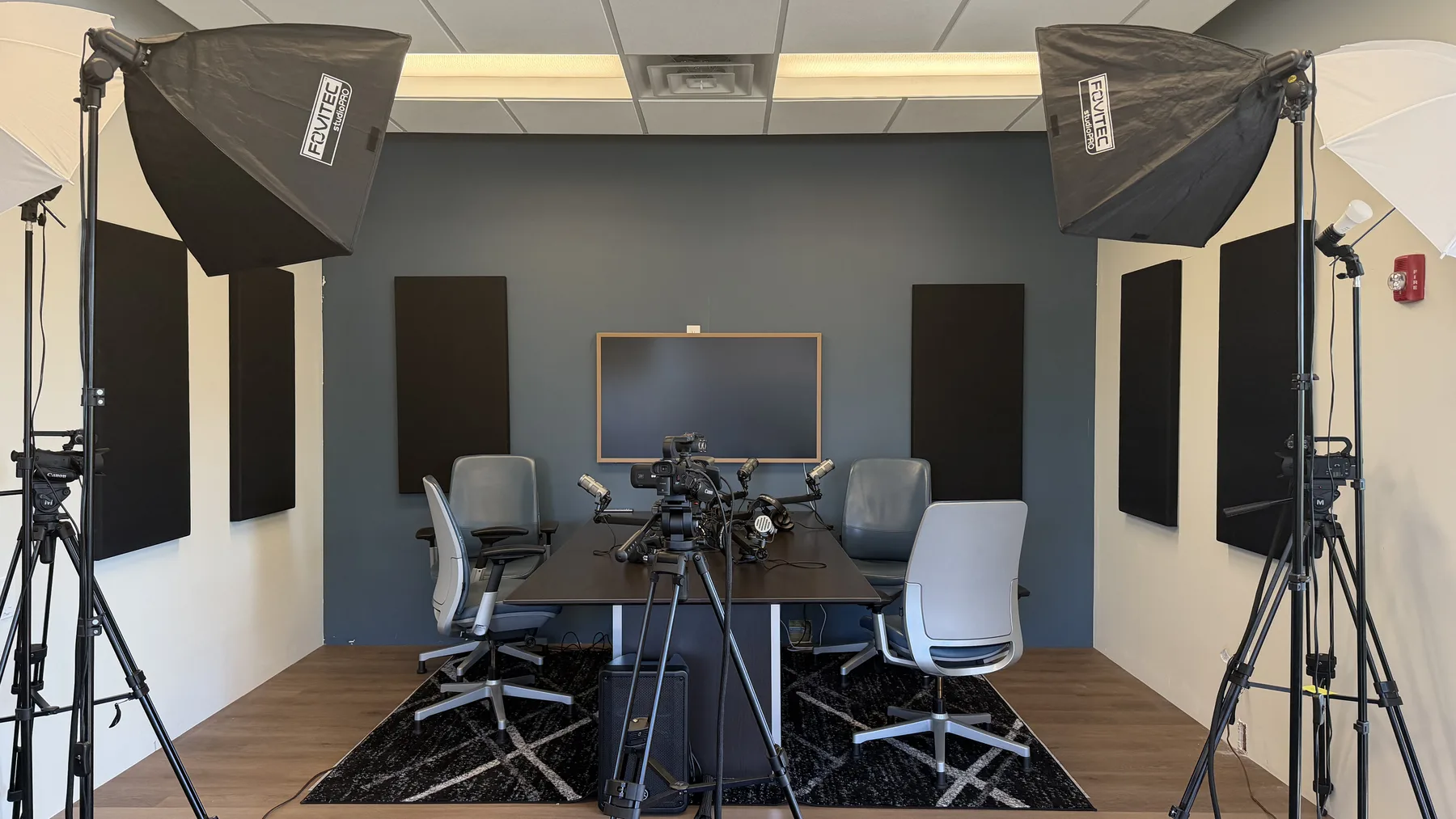
Full room setup with cameras, microphones, lights, chairs, acoustic panels, and a clean table for two-person sessions.
16 sec room walkthrough loop
Podcast to content
One recording block should leave with more than a file.
From one approved hour of strong footage, New Reward can plan an edited package of clips and source-led blogs when editing and distribution are in scope. The exact packet depends on source quality, approvals, offer scope, and channel readiness.
Edited
clip package
Planned from approved usable footage when editing is in scope; exact yield depends on the source and approved scope.
Source-led
blog drafts
Drafted from the approved recording when distribution and review are in scope.
1
recording source
A controlled room gives the team cleaner inputs for YouTube, podcast, blog, Pulse, and sales follow-up assets.
Mic-ready table
Two-person interview setup with the mics, headphones, audio board, and sightlines already visible.
Camera proof
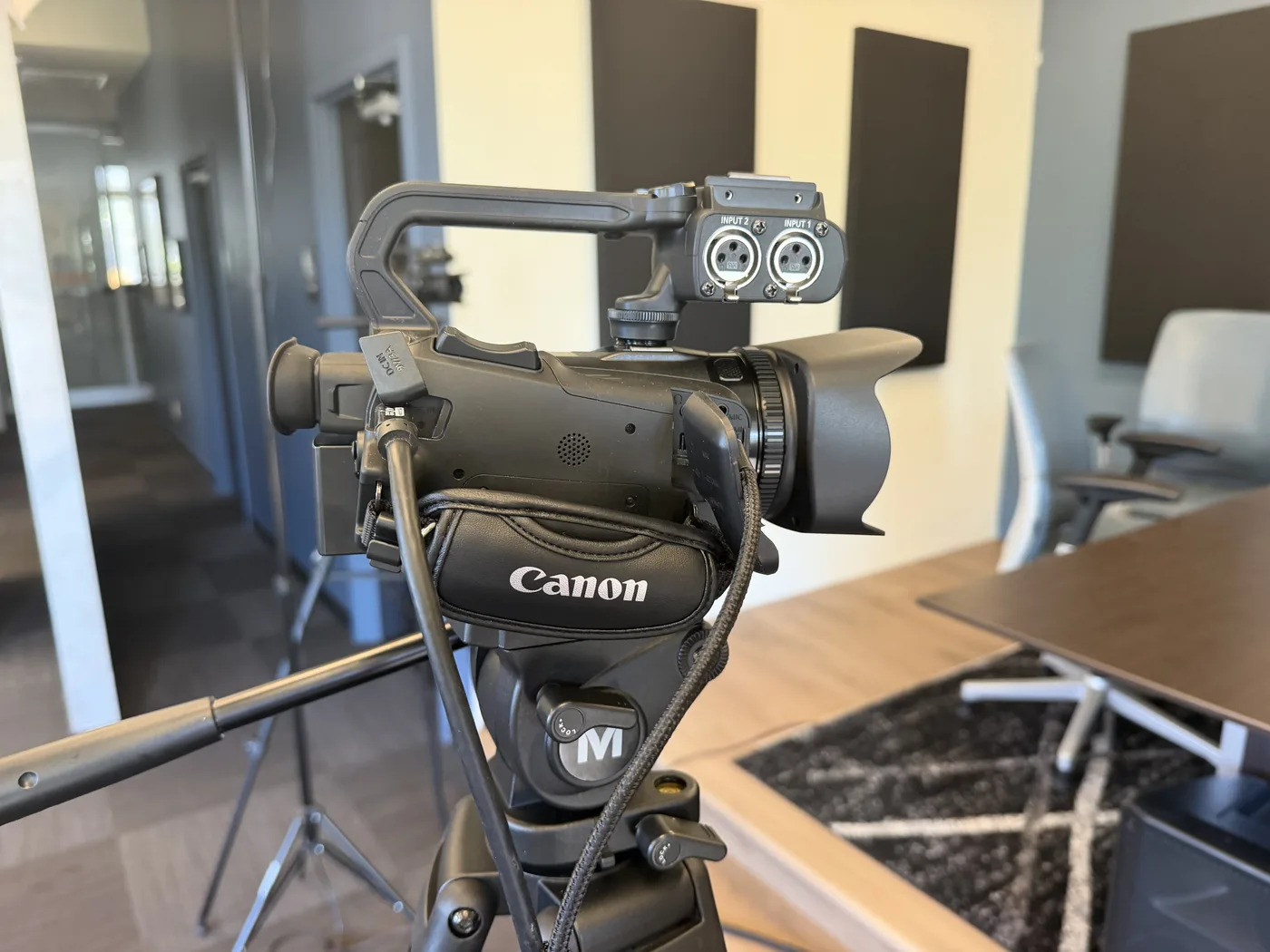
The room is staged for video, not only audio, so one session can feed clips and episode assets.
Production detail
Gear details make the offer feel tangible without committing raw phone media or private metadata.
Production path
The room is only the first step. The offer is the content engine.
A good studio page should make the buyer want to record, but it should also show what happens after the cameras stop: clips, blogs, episode notes, approvals, and distribution drafts.
Record
Capture host and guest footage in a controlled space with a clear topic, CTA, and approval owner.
Shape
Pull the sharpest moments into a clip map, episode notes, titles, captions, and blog angles.
Approve
Keep the buyer, client, or partner in the loop before any public claim, post, or provider handoff.
Distribute
Route approved assets into the website, podcast, YouTube, social drafts, and follow-up material.
Ideal uses
Founder and operator interviews tied to AI visibility, local search, reviews, or growth operations.
Client success discussions that need a controlled recording setup before clips or case-study content are created.
Partner or agency sessions that need a professional space and production handoff without inventing a new workflow.
Public launch scope
On-site recording room prepared for podcast and video sessions.
Two-person conversation layout with microphones, cameras, lighting, headphones, and audio routing.
Production handoff path into YouTube embeds, Pulse notes, blog posts, short-form clips, and approved social packages.
Request-to-book fallback until a dedicated studio calendar is configured and approved.
Offer paths
Choose the room, the edit, or the full authority program.
Record only
Studio time
Use the room for interviews, weekly commentary, testimonials, partner sessions, or founder explainers.
Edit package
Clips from footage
Turn one strong recording hour into a planned batch of short-form clips with captions and cover support.
Managed authority
Clips plus blogs
Build source-led blogs, episode pages, internal links, and distribution drafts around the same footage.
Bring the right topic. Leave with a plan for clips, blogs, and follow-up.
The best studio sessions start with the buyer journey in mind: what needs to be explained, what proof needs to be captured, and where each approved asset should go after the edit.